DLNA · AirPlay · Chromecast · Roku

Everything on your phone,
now on the big screen

Photos, videos, screen mirroring, live camera, web media — cast it all to your TV in one tap. No box, no cables, just the same Wi-Fi.

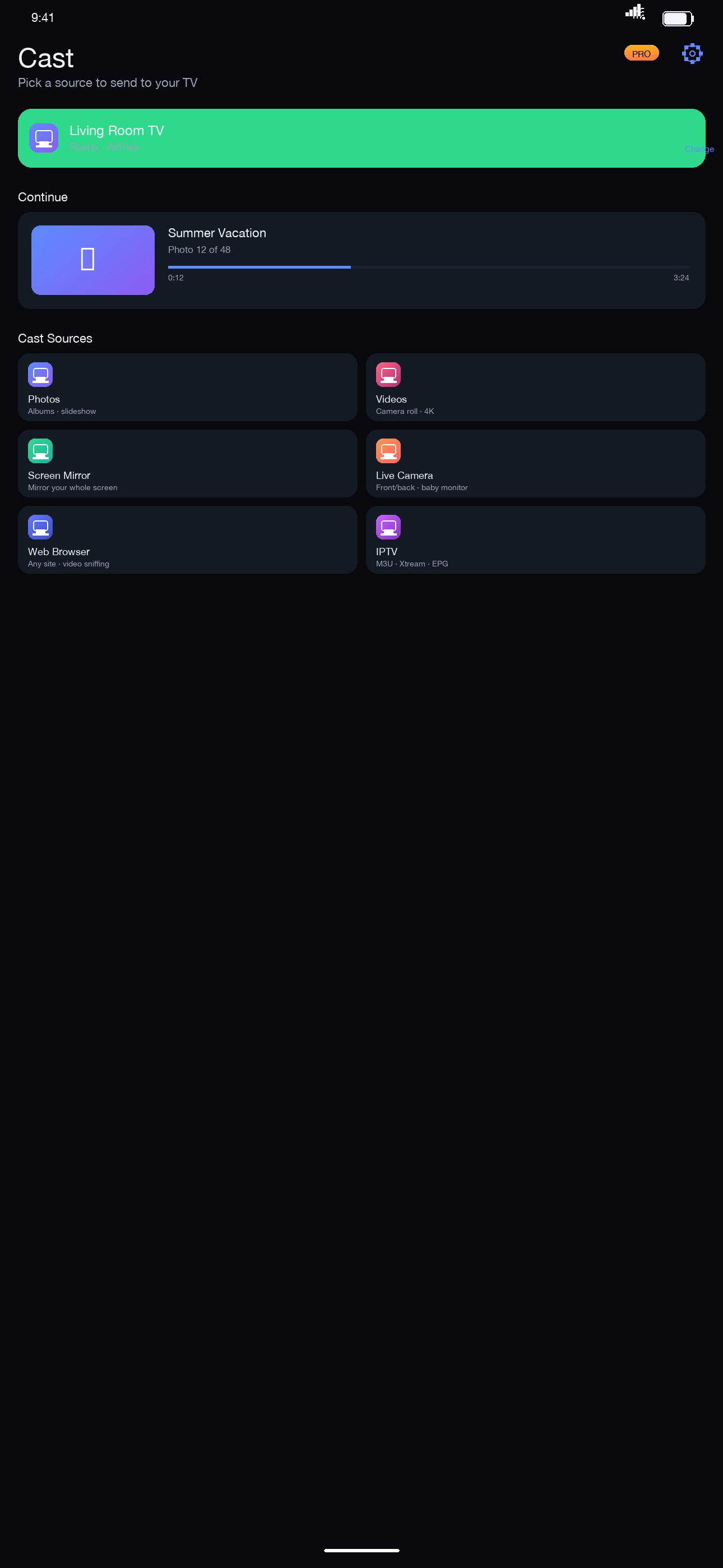
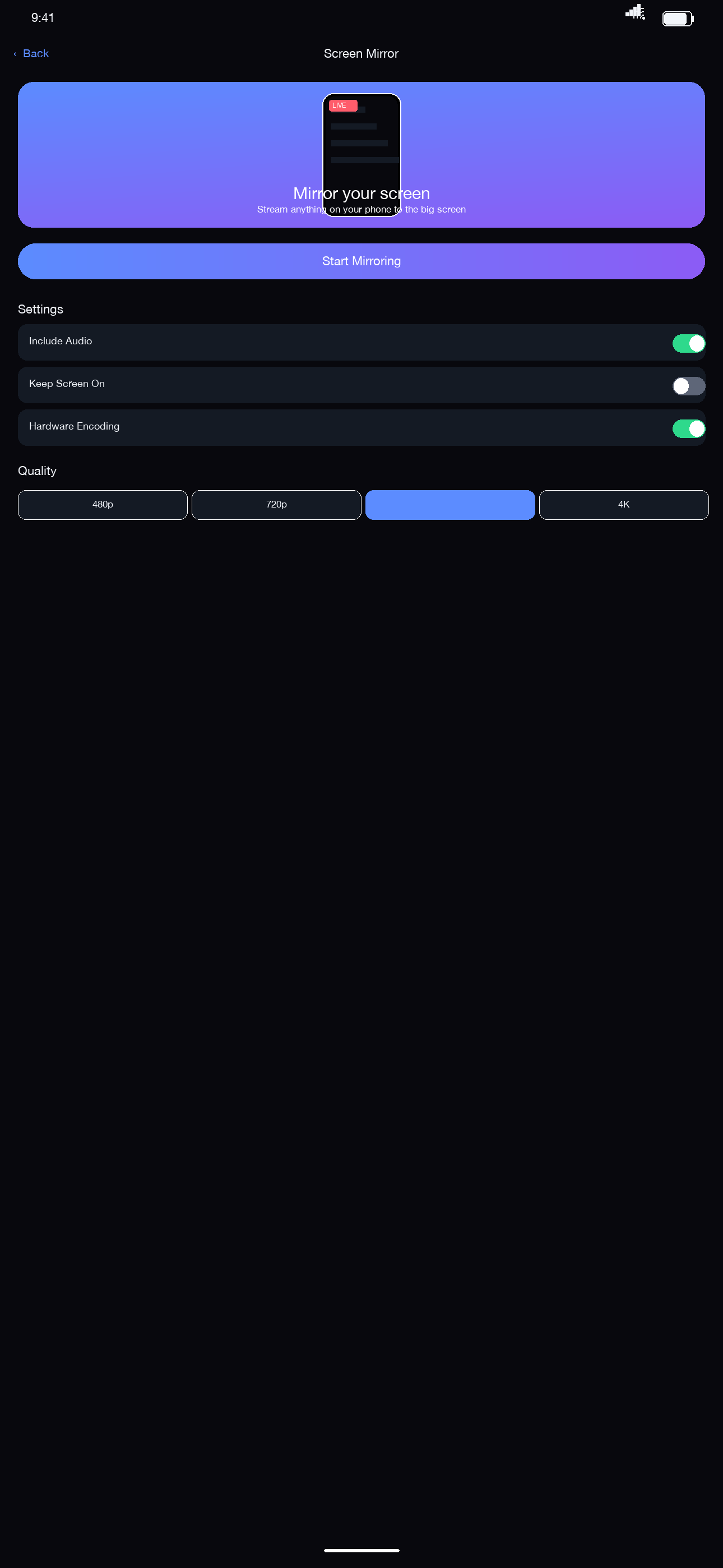
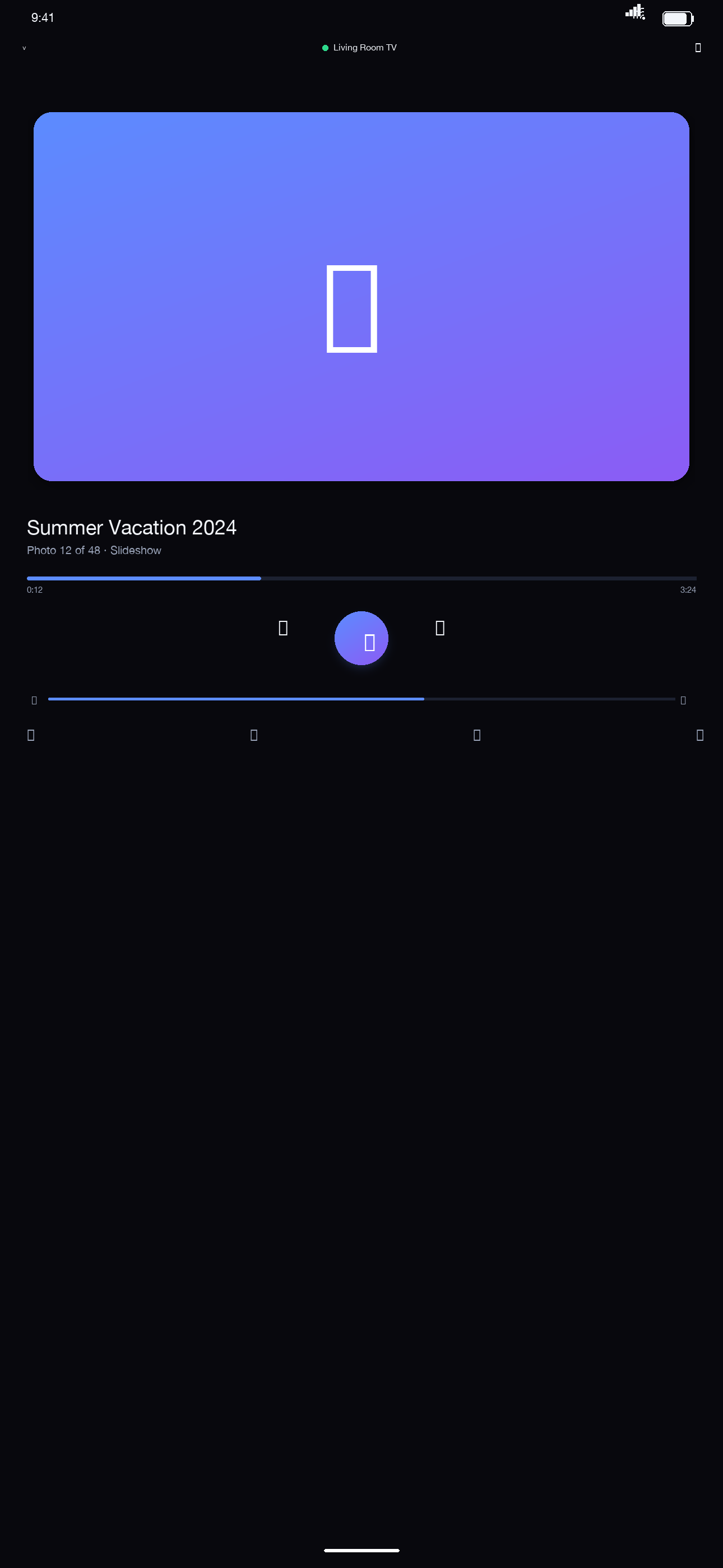
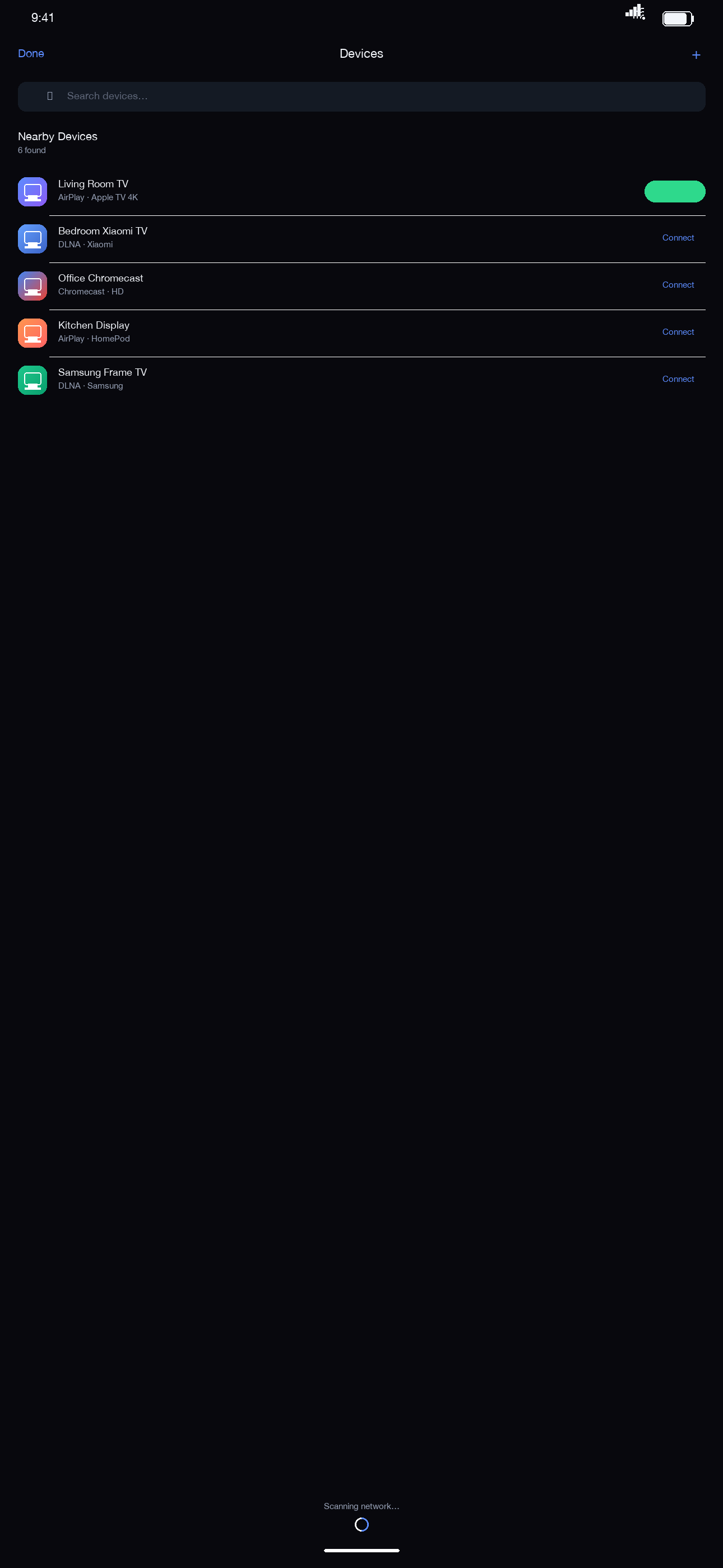
Cast hub Screen mirror Now playing Device list

One app for every TV in the house

Old TV or new box — Lumen Cast automatically discovers castable devices on your network.

Photos & Videos

Cast photos and videos from your library in full quality. Swipe through them together.

Screen Mirroring

Mirror your whole screen in real time, up to 4K. Crisp for demos, games and classes.

Live Camera

Turn your phone into a wireless camera on the big screen — great for keeping an eye on kids and pets.

Web Media Sniffer

The built-in browser finds videos on web pages and casts them with one tap.

IPTV

Import your own M3U / Xtream playlists and watch live TV on the big screen.

Privacy First

Everything travels only inside your local network. No servers, no uploads, no tracking.

Works with every protocol

Lumen Cast detects what your TV speaks and picks the best codec and container.

DLNA / UPnPAirPlayChromecastRokuDIAL

Casting in three steps

No account, no setup — open the app and go.

Join the same Wi-Fi

Make sure your phone and TV are on the same wireless network.

Pick your TV

Devices are discovered automatically — tap to connect.

Choose content

Pick a photo, a video, or mirror your screen. It's on the TV instantly.

Simple, transparent pricing

Free tier includes 10 minutes of mirroring per day. Upgrade to Pro to unlock everything.

Weekly

Weekly / week

Flexible, cancel anytime

Most popular

Yearly

Yearly / year

Best value for regular users

Lifetime

Lifetime one-time

One-time purchase, forever

Final prices are shown in the App Store and vary by region. Subscriptions are handled by Apple and can be cancelled anytime in system settings.

Frequently asked questions

Can't find your TV? Start here.

Why can't the app find my TV?

1) Make sure your phone and TV are on the same Wi-Fi, with no AP isolation. 2) Allow Lumen Cast in iOS Settings › Privacy & Security › Local Network. 3) Your TV must support DLNA, AirPlay or Chromecast and have casting enabled. 4) Guest networks and some enterprise routers block discovery — use the main network.

Does casting need the internet?

No. Casting stays inside your local network. Internet is only needed to purchase or restore a subscription.

Are my videos uploaded?

Never. Photos, videos and your screen travel directly between your phone and TV. Nothing passes through our servers. See the privacy policy.

Free vs Pro?

Free: photo/video casting plus 10 minutes of 720p mirroring per day. Pro: live camera, web media, IPTV, 1080p/4K mirroring and no daily limit.

How do I cancel my subscription?

In iOS Settings › Apple ID › Subscriptions, choose Lumen Cast and cancel. Pro stays active until the end of the current period.